Verify that the contact is already set up in Adavico. If not, follow these steps to add them:
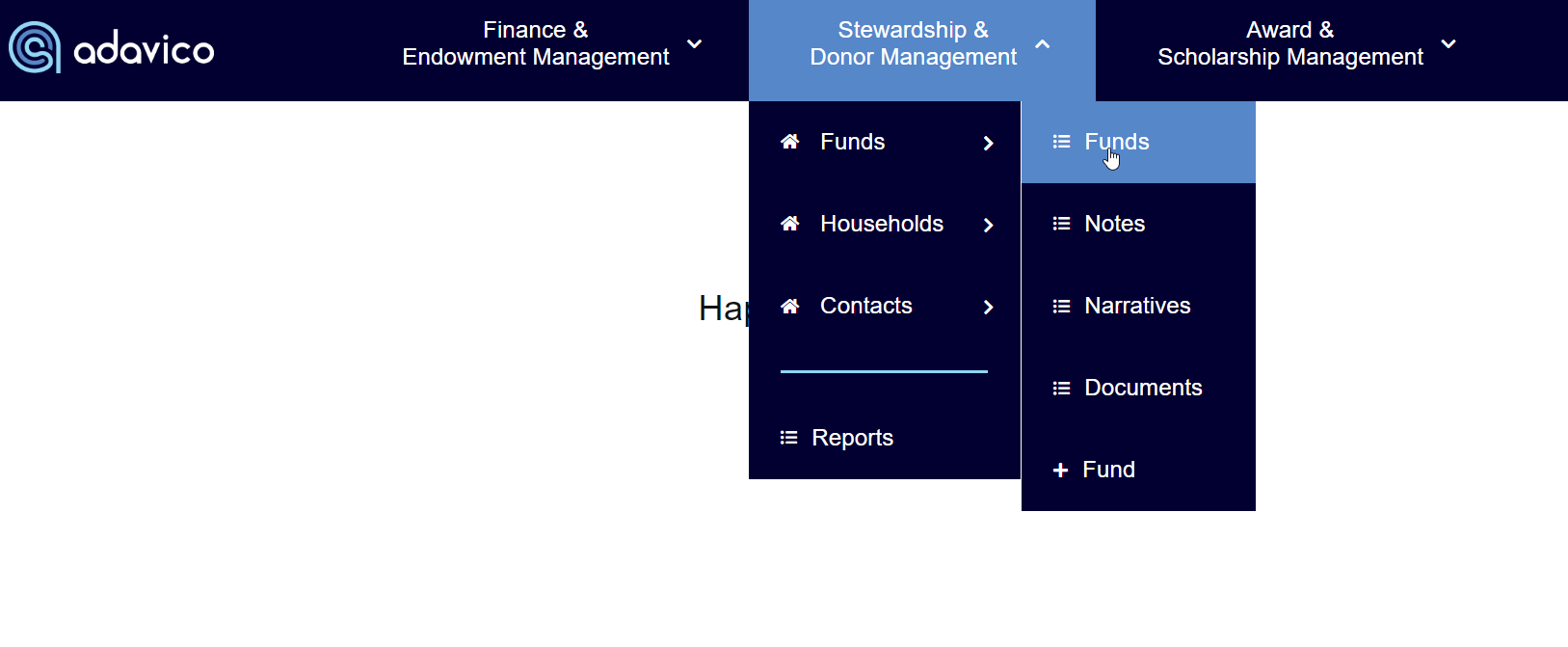
Navigate to the Funds menu under Stewardship & Donor Management, then select the fund where you’d like to add a contact.
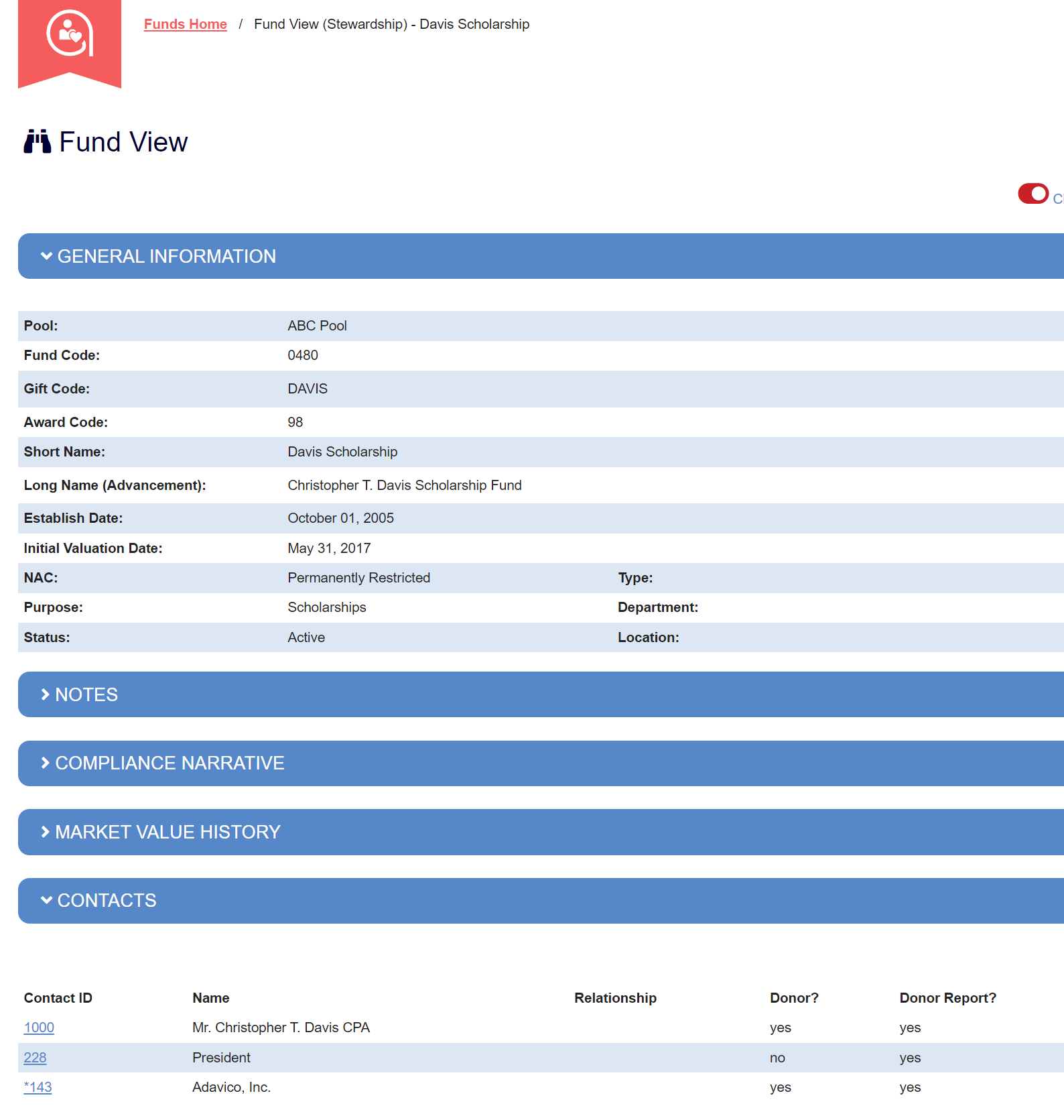
Scroll down to the Contacts section and click the Edit (pencil) icon.
In the Select Contact field, type in the Contact ID to bring up the Contact to add to the Fund. Select Assign Contact.
The default setting enables Donor Reports. Adjust if needed.
To edit a contact, click the contact’s name to open the Contact View, where you can make any necessary updates.
Was this article helpful?
That’s Great!
Thank you for your feedback
Sorry! We couldn't be helpful
Thank you for your feedback
Feedback sent
We appreciate your effort and will try to fix the article