Tracking and Managing Pledges in ADAVICO: A Step-by-Step Guide

Created by Jenn Barker, Modified on Wed, Oct 15 at 2:49 PM by Chris Michaelis

Clients using our Stewardship & Donor Management module can track pledges at the donor level.   

Entering Pledge Activity

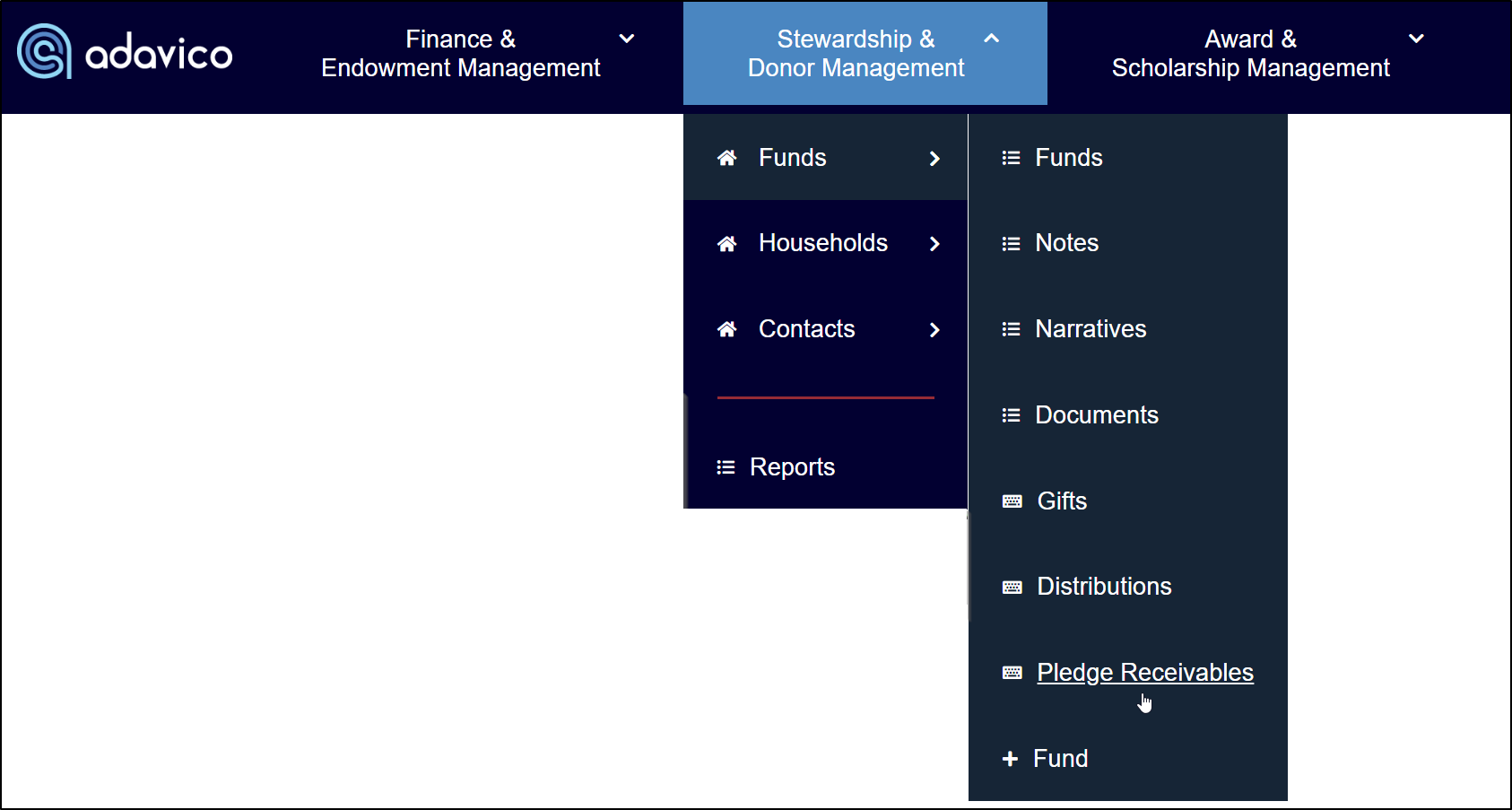
Pledges can be entered either by importing a file or manually adding them one at a time through Funds → Pledge Receivables 

Required Fields:

  • Pledge Identifier – A unique number assigned to each pledge, used to track payments that offset the pledge balance. 
  • Fund
  • Donor Name
  • Amount
  • Pledge Date

Optional Fields:

  • Description
  • Due Date
  • Discount Rate
  • Payment Start Date
  • Number of Payments
  • Payment Frequency
  • Campaign
  • Appeal
  • Tribute Type
  • Soft Credit Allocation


Entering Pledge Payments

To enter a pledge payment that offsets a pledge, select the Gift Type as "Pledge Payments." Other required fields include Donor Name and Pledge Receivable (Pledge Identifier). Complete the remaining gift information and click Create to finalize the payment.


ADAVICO Alert
ADAVICO is not responsible for corrections due to incorrect donors, descriptions, or other discrepancies. Please review your data carefully before posting to the Subledger.


Verifying Pledge Activity

For clients using our Stewardship & Donor Management module, you can verify pledge activity by donor by navigating to the Contact record and scrolling down to the Pledge Receivable Summary section. This section displays the original pledge amount, remaining balance, and the fund assigned to the pledge.


For fund-level pledge activity and balances, you can also run a Pledge Receivables report under the Finance & Endowment Management → Reports → Fund Balances section.


Was this article helpful?

That’s Great!

Thank you for your feedback

Sorry! We couldn't be helpful

Thank you for your feedback

Let us know how can we improve this article!

Select at least one of the reasons
CAPTCHA verification is required.

Feedback sent

We appreciate your effort and will try to fix the article